XGen Wigs 2 Go
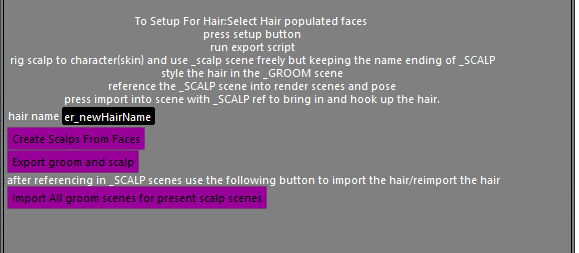
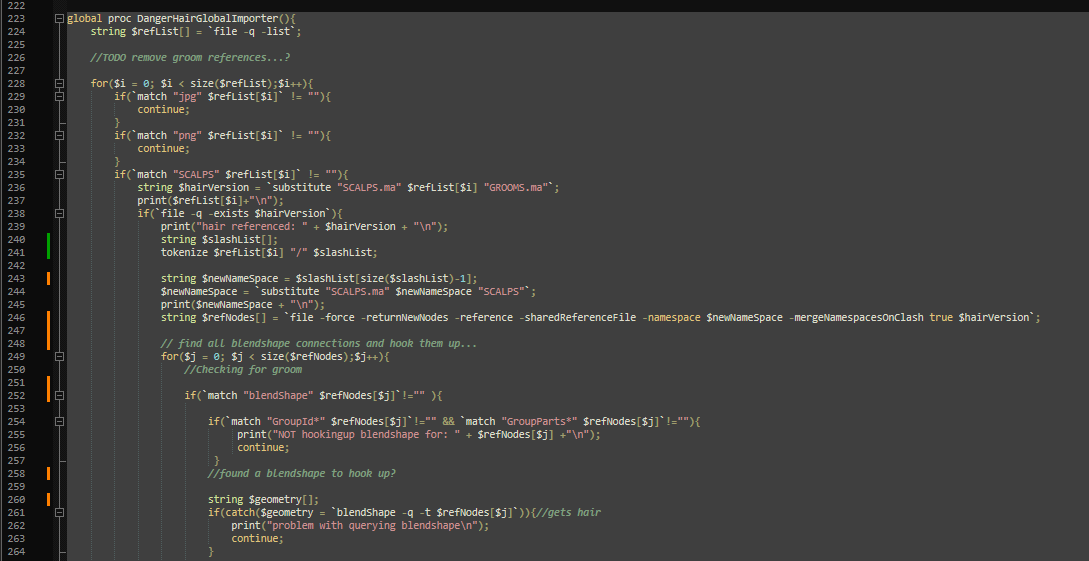
XGen used for hair has many quirks and pretty much one usable workflow, but that workflow isn't facilitated in Maya at all. A simple system is needed that sets up a scalp/groom in the correct way from the start of the process. Rendering hair necessitates importing grooms and hooking them up to the scalp of the character or prop that sports them, and saving is not an option, the groom will include unwanted data from being adjusted that cannot be reloaded. A proper hair setup requires two files with some shared data, and regular loading in of the groom to the render scene. This system creates the starting steps including multiple scenes to work in. Once a groom is complete, it allows for automatically importing all grooms associated with any included character and hooks up all required connections for quick scene rendering and turnaround.
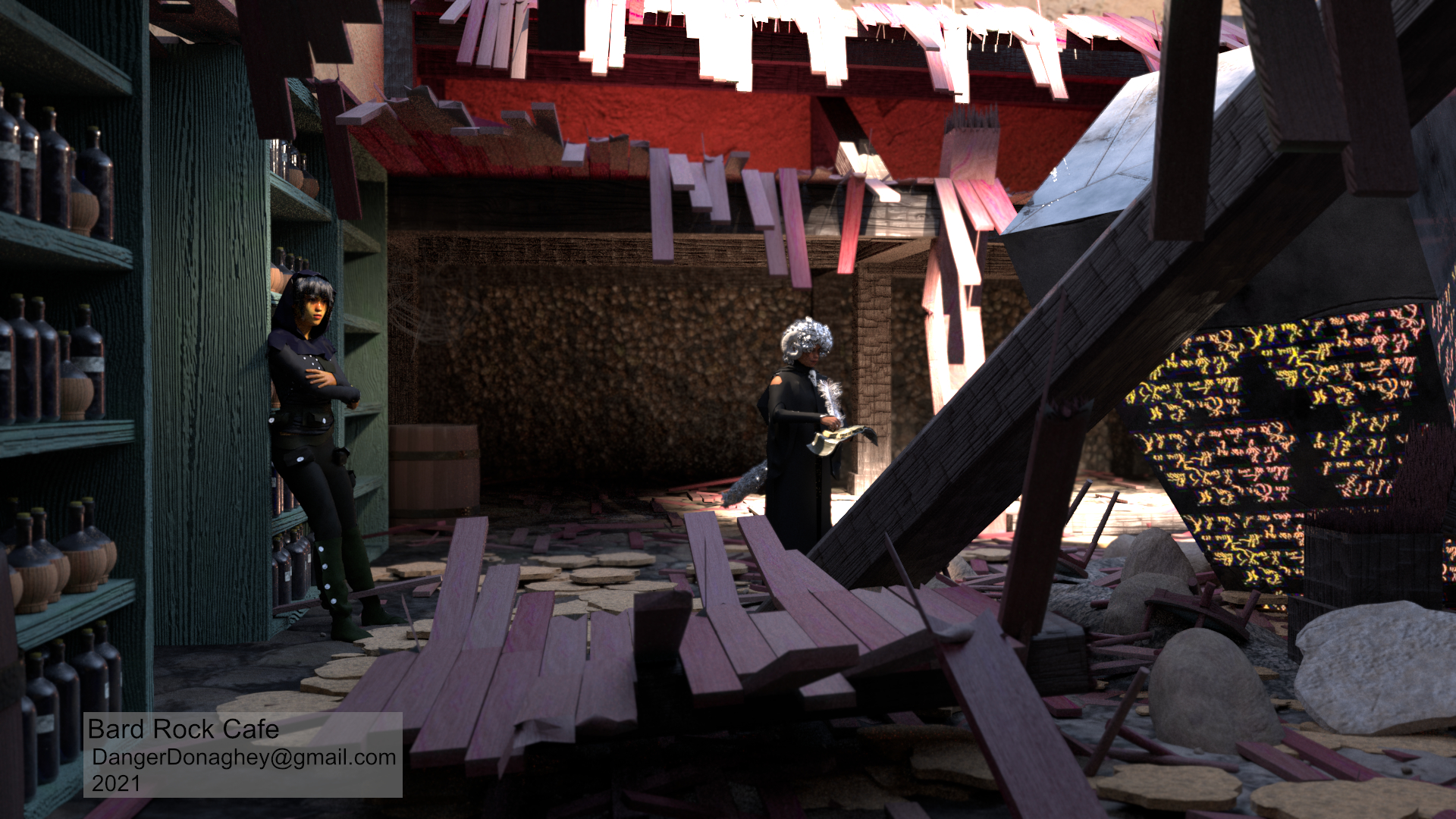
I made this out of necessity after making and rendering out two characters with grooms, and starting to work on a third character.